TITLE PACK · 48 TITLES NEW
SuperNova
title pack.
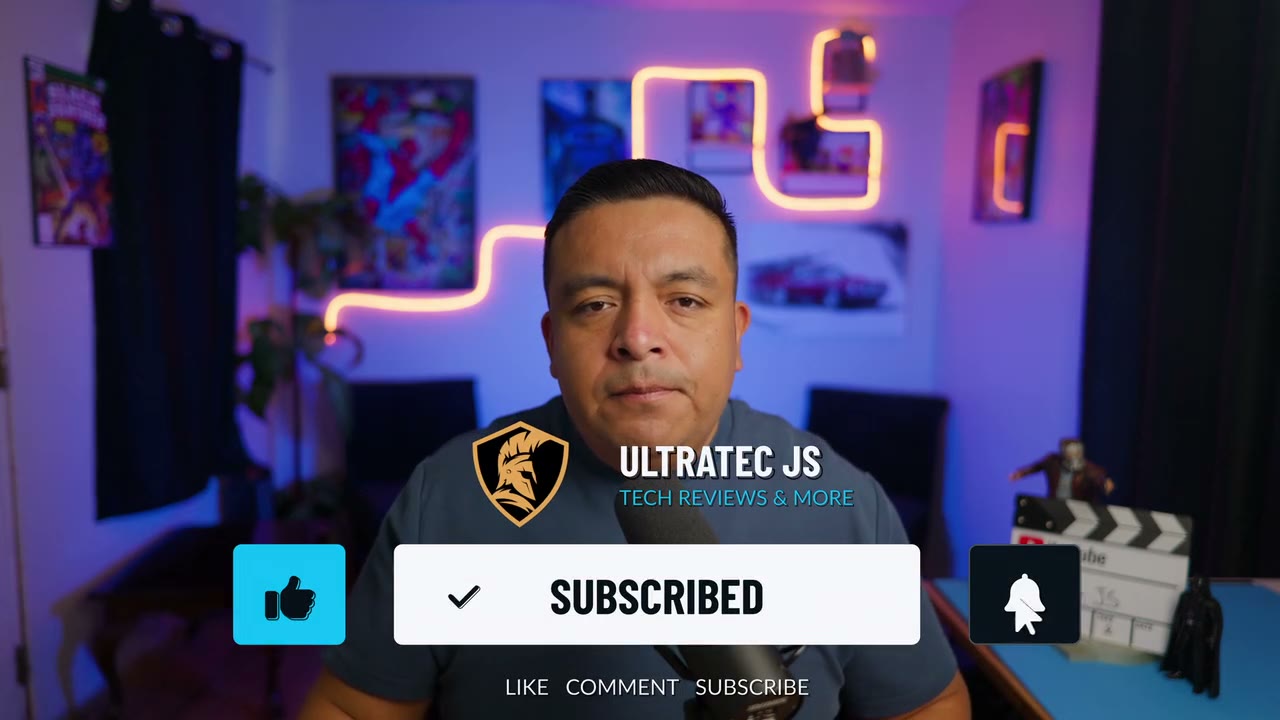
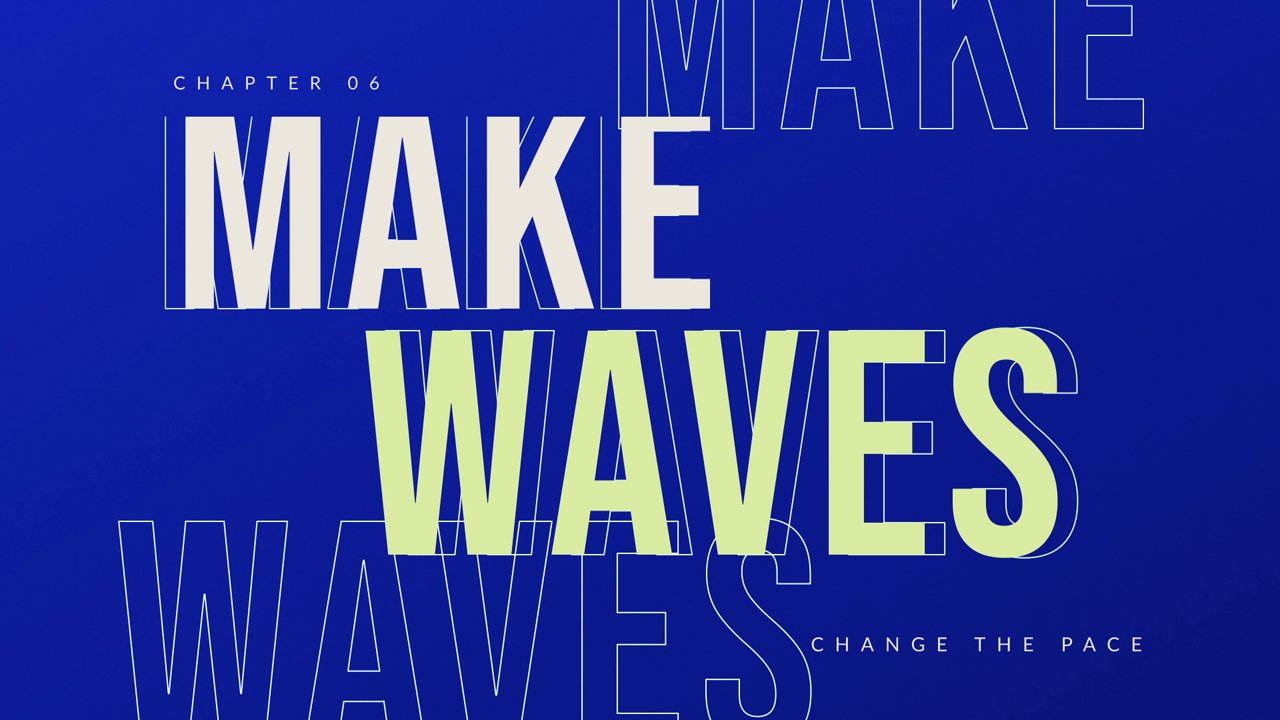
16 designs in three looks: Aurora glass, Kinetic editorial and Signal HUD. Callouts, scores and lists reveal each point the moment you say it.
Works in DaVinci Resolve 21, free or Studio · Tested on Windows
All 16 designs.
Rendered in Resolve over real footage. Switch looks to compare, hover to play, select any design for a closer look.
Aurora: frosted glass panels and soft light.
What’s inside.
Timed to your voice.
Pros and Cons, Review Score, Pointer Callouts and the other multi-point titles give each point an “appears at” time in seconds. Every title has a start delay, and the exit plays at the end of the clip.
Three looks, one set of controls.
Accent color, panel opacity, text shadow and animation speed work the same in Aurora, Kinetic and Signal. Set panel opacity to 0 for a clear title.
Built for reviews.
Review Score bars, the Step Tracker’s current step and the Chapter Rail’s active chapter follow the values you type. Pointer Callouts have draggable targets, and Phone Frame shows your screen recording.
Download to your timeline.
The ZIP includes a START HERE guide with these Windows steps.
Install the fonts.
Extract the ZIP, open Fonts, select all the .ttf files and install them.
Install the pack.
Double-click Ultratec SuperNova Title Pack.drfx and choose Install. Restart Resolve if it was open.
Make it yours.
In Effects → Titles, search “Ultratec SuperNova”, drag a title above your footage and edit it in the Inspector.
One license covers one editor, forever: unlimited personal and commercial finished videos, including monetized YouTube videos, sponsored content and paid client work. No credit or per-project fee. The editable templates and installer may not be shared or resold.
Good questions.
Need something else? Ask Jesse ↗
Which version of Resolve do I need?
SuperNova works in both DaVinci Resolve 21 and DaVinci Resolve 21 Studio. Both were tested on Windows: every title installs, edits and renders in the free version. Earlier versions of Resolve, macOS and Linux are not confirmed.
How do I time items to my voiceover?
Titles with several points, such as Pros and Cons, Review Score, Pointer Callouts, the spec titles, Product Comparison and Social Handles, give each point an “appears at (s)” control. Set it to the moment you say it, in seconds from the start of the title clip. Every title also has Start delay, Animation speed and an exit at the end of the clip. Extend timed lists past their last reveal.
Does it work at other frame rates?
Yes. Titles re-time themselves for your timeline’s frame rate. On a timeline that isn’t 29.97 fps, this happens the first time you edit any text or setting in the title.
Can I change the text and colors?
Yes. Inspector → Title has Content, Layout, Style and Timing tabs. Style covers accent color, panel opacity, text shadow and small text size. Options vary by title.
How does the Phone Frame work?
Phone Frame titles have a transparent screen. Put your screen recording on the track below the title and it shows through.
Will it play smoothly in 4K?
For 4K timelines, set Playback → Timeline Proxy Resolution to Half (or Quarter on slower computers), as with any Fusion title.
Are fonts and sound effects included?
Required fonts are included with their license notices, plus a subscribe click and bell sound for the three Subscribe CTA titles. Sounds do not retime automatically, so move them if you change the click time.
Can I use it in paid client work?
Yes. One license covers one editor making unlimited personal and commercial finished videos and stills, including monetized channels, ads and client work. Clients can publish your finished renders without buying the pack.
When can I buy it?
Sales are opening soon. Pricing and secure checkout will appear at the top of this page when the pack launches.